
A new lead fills in your website form. Someone copies it into a spreadsheet, someone else forwards it on WhatsApp, and two days later a salesperson finally calls. Multiply that by every order, invoice and appointment, and you have the hidden cost that workflow automation tools are designed to remove.
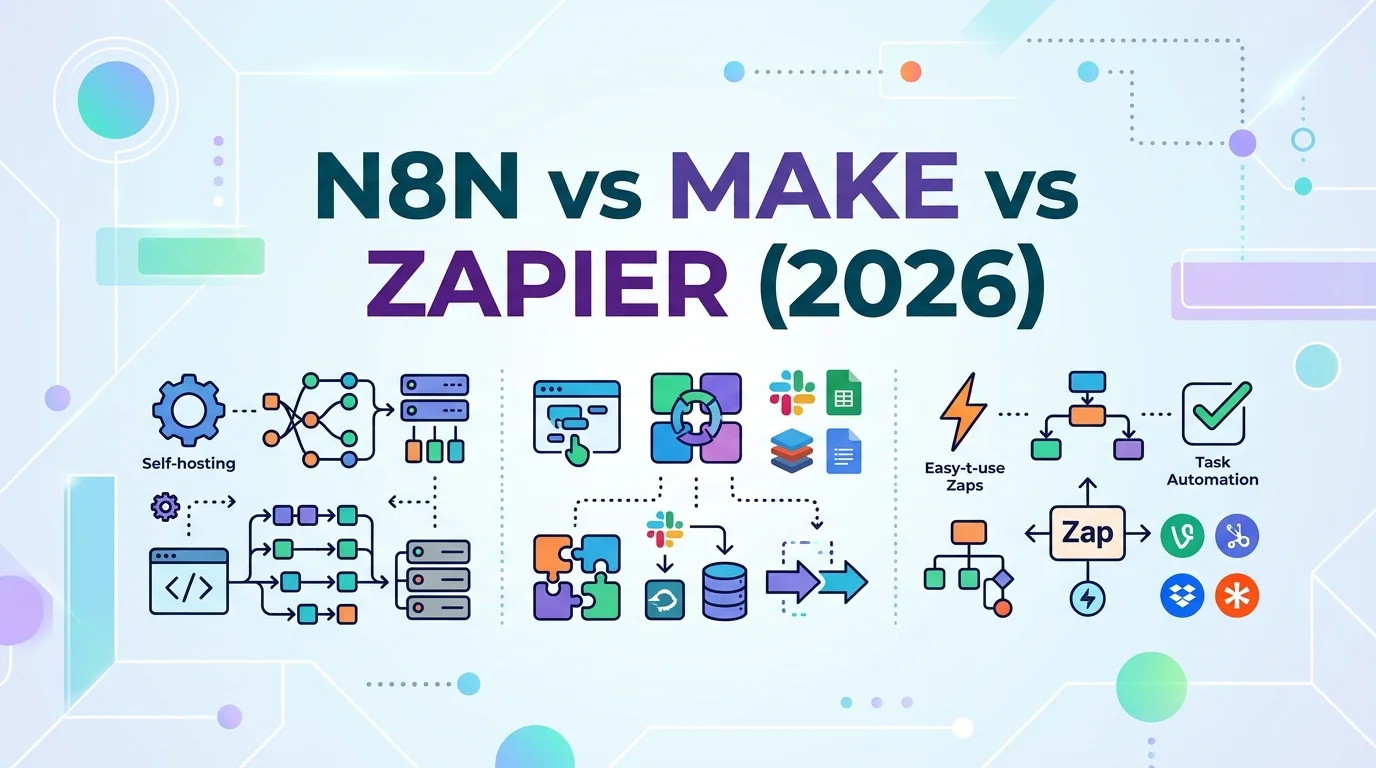
Three platforms dominate the conversation: Zapier, Make and n8n. They do similar things, but they charge in completely different ways, handle data differently and suit very different teams. Choosing on headline price alone is the most common mistake we see, because a tool that looks cheap at ten workflows can become expensive at a thousand. This n8n vs Make vs Zapier comparison explains how each platform works, what it really costs in 2026, how it handles AI and Arabic data, and which one fits which kind of business.
What These Automation Tools Actually Do?
All three connect the apps you already use and move data between them automatically. A workflow starts with a trigger, such as a new form submission, a paid order or an incoming email, and continues with actions, such as creating a CRM contact, sending a WhatsApp message or adding a row to a sheet.
For businesses in Lebanon and the Gulf, typical examples include sending website leads straight into a CRM and alerting the sales team, creating an invoice when a WooCommerce or Shopify order is paid, logging WhatsApp enquiries into a shared pipeline, and sending appointment reminders. If you are still deciding whether you need simple automation, a chatbot or an AI agent, our guide to AI agents vs chatbots vs RPA helps clarify the difference.
n8n vs Make vs Zapier at a Glance
The table below summarises the key differences based on public pricing pages and plan details as of October 2026.
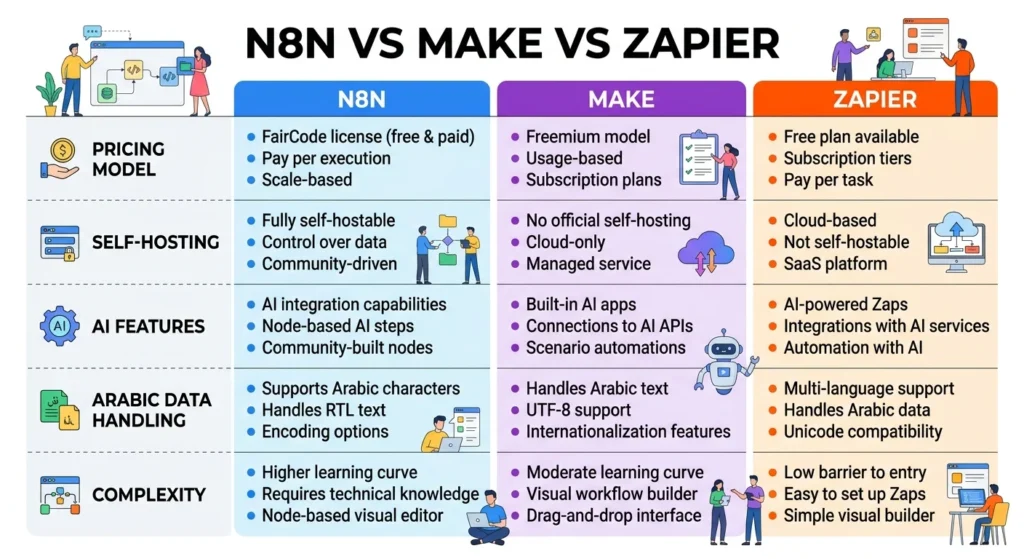
| Zapier | Make | n8n | |
|---|---|---|---|
| What you pay for | Tasks (each successful action) | Credits (each module run, including the trigger) | Executions (each full workflow run) |
| Free option | 100 tasks a month, two-step workflows | 1,000 credits a month | Self-hosted Community Edition |
| Entry paid plan | From about $19.99/month (750 tasks) | From about $9/month (10,000 credits) | From about €20/month cloud (2,500 executions) |
| Self-hosting | No | No | Yes |
| Learning curve | Easiest | Moderate | Steepest |
| Best for | Simple, quick automations | Complex visual scenarios on a budget | High volume, custom logic, data control |
Prices are billed annually and change regularly, so confirm them on each vendor’s site before budgeting.
How Each Tool Charges: Tasks, Credits and Executions?
This is the part of any n8n vs Make vs Zapier decision that matters most, because the billing unit determines your monthly bill far more than the headline price.
Zapier counts a task each time an action step succeeds; triggers and filters do not count. Make counts a credit for every module that runs, including the trigger, and renamed its unit from “operations” to “credits.” n8n counts one execution per complete workflow run, no matter how many steps it contains.
Consider a five-step workflow (one trigger, four actions) that runs 2,000 times a month, such as processing new orders. On Zapier that is about 8,000 tasks. On Make it is about 10,000 credits. On n8n it is 2,000 executions. Add more steps and the gap widens: on Zapier and Make, every extra step raises the bill in proportion to volume, while on n8n it costs nothing extra. This is why simple, low-volume automations are often cheapest on Zapier or Make, while long, high-volume workflows tend to favour n8n.
Zapier: Fastest to Get Started
Zapier’s strength is simplicity. It has the largest library of app integrations, a guided editor that non-technical staff can use within an hour, and a mature ecosystem of templates. For a small team that wants to connect a form to a CRM and a Slack or email alert, it is usually the quickest route to a working automation.
Its weakness is cost at scale. Because every action counts as a task, multi-step workflows running thousands of times a month climb through Zapier’s pricing tiers quickly. Branching logic and complex data transformation are possible but less flexible than in Make or n8n. If you are evaluating Zapier alternatives, cost at volume is usually the reason.
Make: Visual Power on a Budget
Make, formerly Integromat, uses a visual canvas where you build scenarios by connecting modules, which makes complex branching, loops and error handling easier to see and manage. For teams comfortable with a little more complexity, it often delivers the most capability per dollar at mid-range volumes.
On Make.com pricing, the entry Core plan starts at about $9 a month billed annually for 10,000 credits, with higher tiers adding features such as priority execution and team controls. The catch is that loops and multi-step scenarios consume credits quickly, so heavy scenarios need monitoring. Make is cloud-only; you cannot host it on your own server.
n8n: Control, Flexibility and Self-Hosting
n8n appeals to teams with some technical skill who want maximum flexibility. Its workflows can include custom JavaScript or Python code, direct API calls and advanced logic, and its execution-based billing makes long workflows inexpensive.
n8n Self-Hosted vs n8n Cloud
The defining feature is n8n self-hosted: the Community Edition can run on your own server with no licence fee for internal business use, paying only for hosting and maintenance. That gives you full control over where data is stored, which matters for regulated sectors and for clients with data residency requirements. The trade-off is responsibility: someone must install updates, secure the server, back it up and monitor it. n8n Cloud removes that burden, with paid plans starting at about €20 a month billed annually for 2,500 executions.
AI Features and Agents
All three platforms now offer AI capabilities: calling large language models to summarise, classify or draft text, and building agent-style workflows that decide which step to take next. Zapier focuses on making AI steps easy to add to simple workflows. Make offers AI modules within its visual scenarios. n8n provides dedicated AI agent and LangChain-based nodes and includes monthly AI credits in its cloud plans, which suits more advanced use such as knowledge-base assistants or multi-step agents.
Remember that AI steps add their own costs, either through the platform’s AI credits or through your own account with a model provider. Our guide to AI automation costs explains how to budget for both.
Arabic Data, Data Residency and Compliance
For businesses in Lebanon and the GCC, two questions often get overlooked. The first is language. All three platforms handle Arabic text without difficulty when data passes through, but problems tend to appear at the edges: emails or PDFs generated by a workflow may display Arabic in the wrong direction, and some connected apps mishandle Arabic names in search or matching. Test workflows with real Arabic, French and English data before going live, including names written in Arabizi.
The second is data residency. Zapier and Make run on their own cloud infrastructure, so customer data passes through their servers. That is acceptable for most marketing workflows, but businesses handling sensitive personal data should check where processing happens and what the vendor’s data terms say. Lebanon’s Law No. 81 of 2018 governs personal data processing, and Saudi Arabia’s Personal Data Protection Law includes rules on transferring data abroad. Self-hosted n8n can run on a server in whichever region your obligations require. This is general information, not legal advice.
Zapier Alternatives Beyond These Three
Sometimes the right answer is none of the three. Companies already invested in Microsoft 365 may find Power Automate fits naturally with their existing licences. When a workflow is central to your business, runs at very high volume or needs complex logic, a custom integration built directly against the relevant APIs can be cheaper and more reliable in the long run, as we explain in our article on website and API integrations. And for WhatsApp-centred processes, the messaging costs themselves often matter more than the automation tool; see our guide to WhatsApp Business API pricing.
Which Tool Fits Your Business?
There is no universal winner in the n8n vs Make vs Zapier debate, but most businesses fall into one of these patterns:
- Small team, few simple automations, no technical staff: start with Zapier.
- Growing team with multi-step processes and a tight budget: Make usually offers the best value.
- High volumes, long workflows or custom logic: n8n, cloud or self-hosted.
- Sensitive data or residency requirements: self-hosted n8n or a custom integration.
- Microsoft-centric company: evaluate Power Automate alongside the three.
Whichever you choose, estimate your monthly volume in that platform’s own unit before committing. Ten workflows running a few times a day cost very little anywhere; ten workflows processing every order and message can cost very different amounts.
Switching Platforms Later
One practical warning: there is no standard export format between these tools. Moving from Zapier to Make or n8n means rebuilding workflows, not importing them. If you expect volumes to grow quickly, it can be cheaper to choose the platform you will still be using in two years than the one that is cheapest today. Document every workflow as you build it, including its trigger, steps and owner, so a future migration or handover is straightforward.
Frequently Asked Questions
For a small team with simple needs, Zapier is usually the fastest to set up. If workflows have several steps or run frequently, Make often costs less. Businesses with technical help, high volumes or strict data requirements tend to get the most value from n8n.
The self-hosted Community Edition has no licence fee for internal business use, but you pay for the server and the time needed to maintain, secure and back it up. n8n Cloud is a paid service, starting at about €20 a month billed annually for 2,500 executions as of October 2026.
Make charges per credit (each module run), starting at about $9 a month billed annually for 10,000 credits, while Zapier charges per task (each successful action), starting at about $19.99 a month billed annually for 750 tasks. For multi-step workflows at moderate volume, Make is usually cheaper.
All three process Arabic text, but you should test outputs such as emails, PDFs and messages for correct right-to-left display, and check how connected apps match Arabic and Arabizi names. If data must stay in a specific region, self-hosted n8n gives the most control.
Map your main workflows, estimate monthly runs and steps, and convert them into each platform’s billing unit. Then weigh your team’s technical skills and any data residency requirements. The n8n vs Make vs Zapier choice becomes clear once cost, skills and data needs are on the same page.
Automate With the Right Foundation
Automation pays off when it removes repetitive work without creating a fragile system nobody understands. Choosing between Zapier, Make and n8n is less about which tool is best in general and more about which fits your volumes, skills and data obligations. Get that choice right and every workflow you add becomes cheaper and easier to maintain.
If you would like help mapping your processes, estimating costs and building reliable workflows on the right platform, the Creative 4 All team works tool-agnostically in English, Arabic and French. Explore our AI automation services in Lebanon and book a free automation consultation .